Guides
What actually happens when you click Connect? How Steadybeat reaches your accounts without your password
Try Steadybeat free for 14 days, no card needed
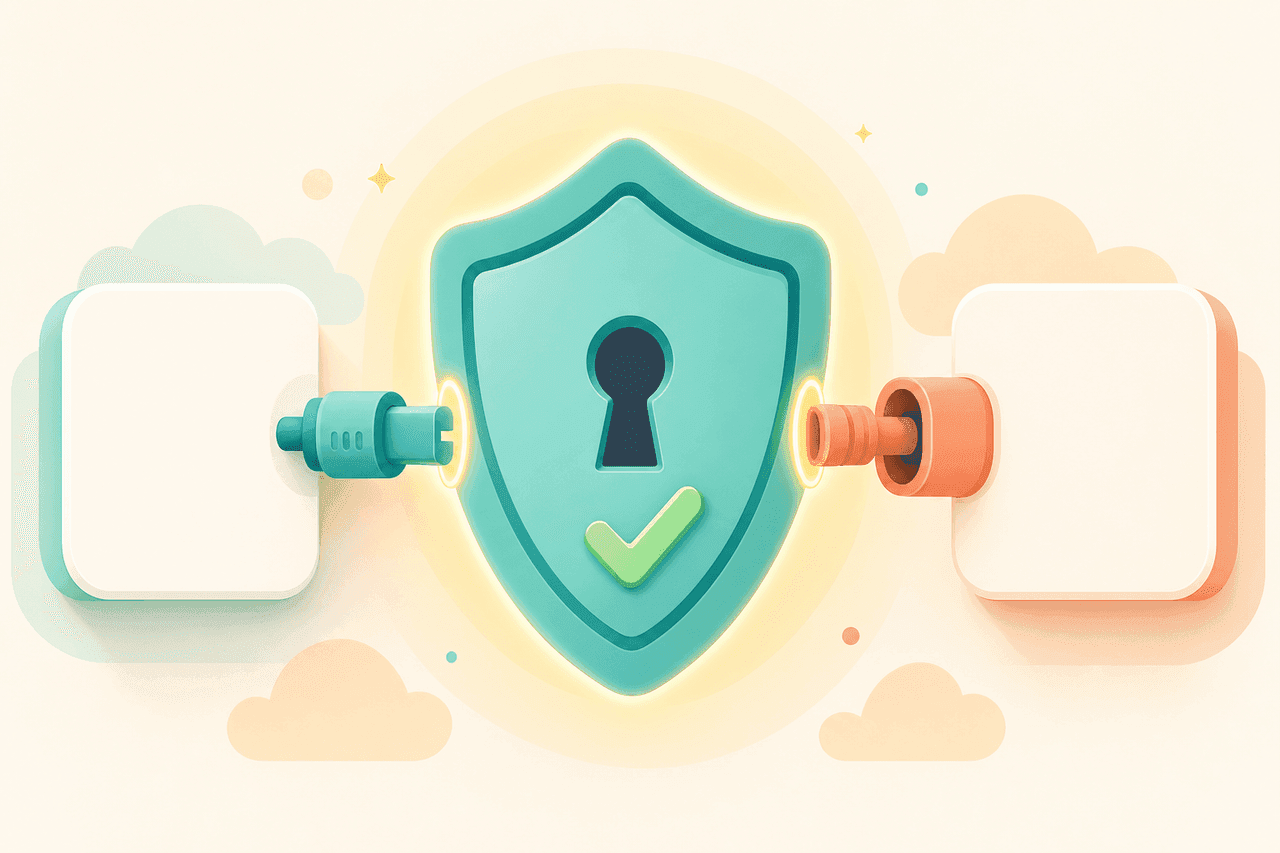
Many people hesitate at the point where a tool asks to connect their company's social media accounts. The thought is uncomfortable: am I about to hand some app the keys to accounts I've built for years? That caution is healthy. So let's walk through what actually happens behind the Connect button, and why your password never moves anywhere in the process.
A key card, not a master key
Account connections are built on a technology called OAuth. You don't need to remember the name, but the idea is worth keeping. It's the same technology at work every time you click "Sign in with Google" somewhere. It is an open standard shared by the whole industry, used by Meta, Google, TikTok, X and LinkedIn alike.
The best comparison is a hotel key card. When you check in, you don't get a master key to the whole building. You get a card that opens your own room and the gym door, and stops working on checkout day. If the card goes missing, the front desk cancels it in seconds. Nobody has to change the locks.
OAuth works the same way. When you connect, say, your Facebook Page to Steadybeat, Meta gives Steadybeat a key card: permission to do certain tightly limited things on your behalf. Your password is the master key, and it stays with you the whole time.
What happens behind the Connect button
The connection follows the same pattern on every platform:
- On Steadybeat's Accounts page, you click Connect.
- Your browser moves to the platform's own login page. The address bar says facebook.com, google.com or tiktok.com, not steadybeat.app. You log in there, and two-factor authentication works as usual.
- The platform shows you the list of permissions Steadybeat is asking for. You approve or decline.
So you type your password into the platform's own page, the same one you use anyway. Steadybeat never sees it, and it is never stored in any of Steadybeat's systems. After connecting, your accounts show up on the Accounts page with a green dot confirming the connection is healthy.
What Steadybeat can do, and what it can't
The key card only opens the doors you approved. The list of permissions is shown during the connection, and it comes down to roughly this:
| The key card can | The key card can't |
|---|---|
| Publish posts to your accounts | See or change your password |
| Read comments and statistics | Delete your account or change its settings |
| Attach photos and videos to posts | Read your private messages |
The platform enforces the limits, not the tool. Even if Steadybeat tried to do something outside the list, Meta or Google would simply refuse. That's the whole point of the arrangement: you don't have to trust the tool's promises, because the platform polices the boundaries.
You can cut the connection at any time
The key card can be cancelled from two places, and either one cuts access immediately:
- On Steadybeat's Accounts page, by removing the connection.
- In the platform's own settings: on Facebook under Settings → Business integrations, on Google in your account's Security section.
The card also expires on its own. Meta's authorization, for example, lasts about 60 days at a time. That's why you sometimes see a Reconnect button on the Accounts page: it's not a bug, it's a safety feature. If you stopped using the service and never came back, the access would simply dry up by itself.
How to spot a safe tool
The rule of thumb is simple: a proper tool never asks for your social media password on its own form. If a service wants you to type your Facebook password anywhere other than facebook.com, don't. The Finnish National Cyber Security Centre warns that a leaked password is a risk in other services too, because most people reuse the same password in several places.
With an OAuth connection that risk never comes up, because the password doesn't go anywhere. You hand over a key card, not a key.
Every account connection in Steadybeat works exactly like this: Facebook, Instagram, YouTube, TikTok, X and LinkedIn. If you'd like to try it, start here.
Read also
Publishing to all social networks from one place: tools compared
Facebook, Instagram, TikTok, LinkedIn, X and YouTube from one place: what Meta Business Suite, Buffer, Hootsuite, Later, Metricool and Steadybeat cover and cost.
Facebook business page: how to set one up in 2026
A Facebook business page is free. Steps to create it, who gets admin access, Business Suite vs business portfolio, connecting Instagram, and whether you need a personal profile.
How to connect your business Instagram and Facebook Page: two steps is all it takes
Link your Instagram professional account to a Facebook Page in two steps. No Business Manager setup needed, plus fixes for when Instagram won't show up.